🔑 API Key
Bluente uses API keys to authenticate requests to the API. You can create your API key on the API Keys page of the Bluente Dashboard.
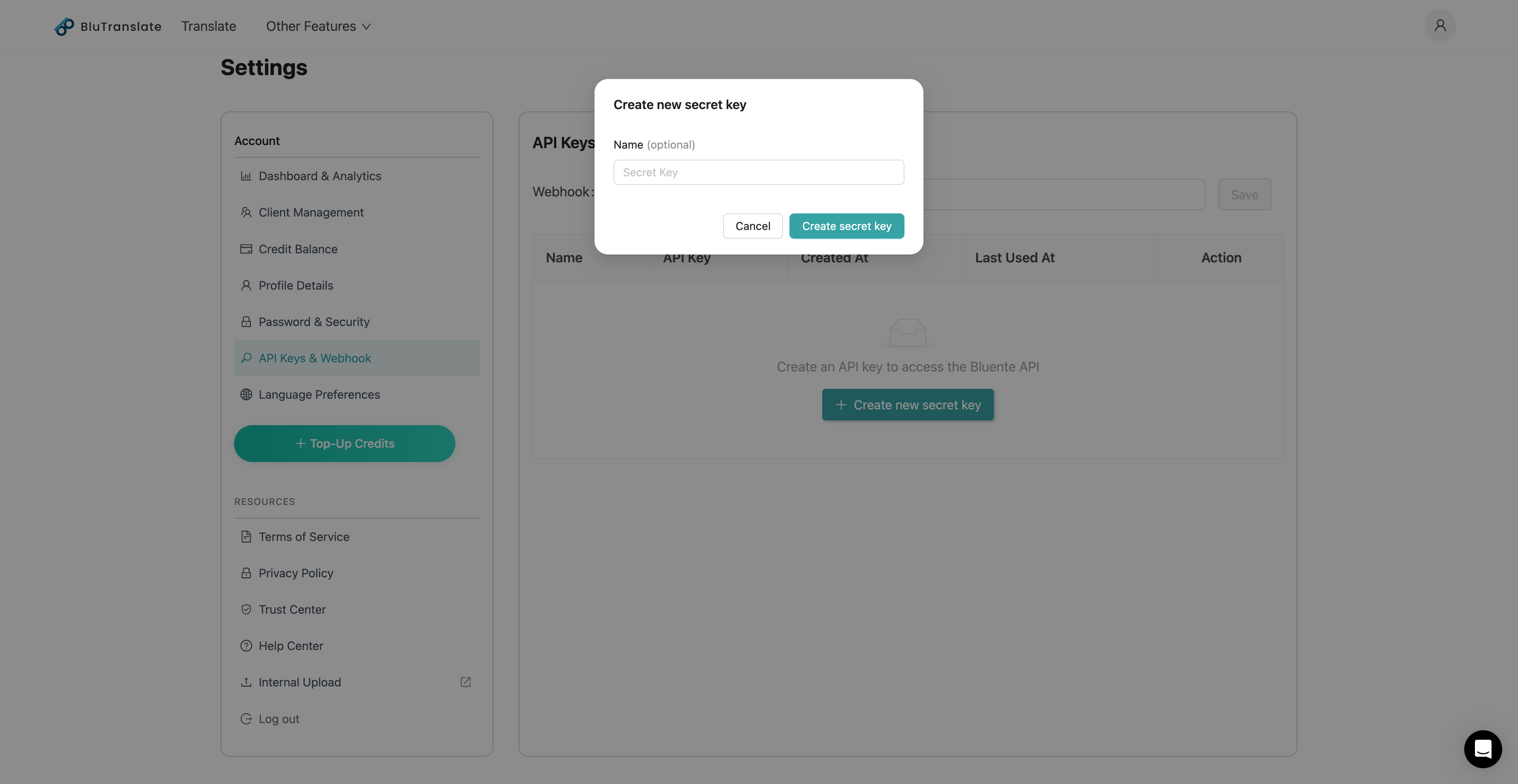
Example: the API Keys page of the Bluente Dashboard.
🔐 Authentication
Send the key in the Authorization header of every request, with the Bearer prefix:
Authorization: Bearer sk-...curl -X GET "https://api.bluente.com/api/20250924/blu_translate/account" \
-H "Authorization: Bearer $BLUENTE_API_KEY"API keys start with sk-. A missing, malformed, expired or replaced key returns code: 20 ("Unauthorized"). See Error Codes.
To check which user and organization a key belongs to, call Get Account.
⚠️ One Active Key per User
Creating a new API key expires all previous API keys of the same user. Any system still using an old key will start receiving code: 20.
- Give each engineer, environment (for example development, staging and production) or integration its own Bluente user account, and create the key while signed in as that user.
- Don’t create a new key for an account whose key is already in use elsewhere, unless you mean to replace it.
- Files are owned by the user whose key uploaded them. Use the same user’s key to translate, check and download them; requests with another user’s key are rejected (for example
code: 41from Translate File).
📌 Notes
- Keep API keys secret. Store them in environment variables or a secret manager, not in source code or client-side code.
- If a key may have leaked, create a new one for that user — this expires the old key.
- Each key also has its own expiry date. When it passes, the key stops working and you need to create a new one.